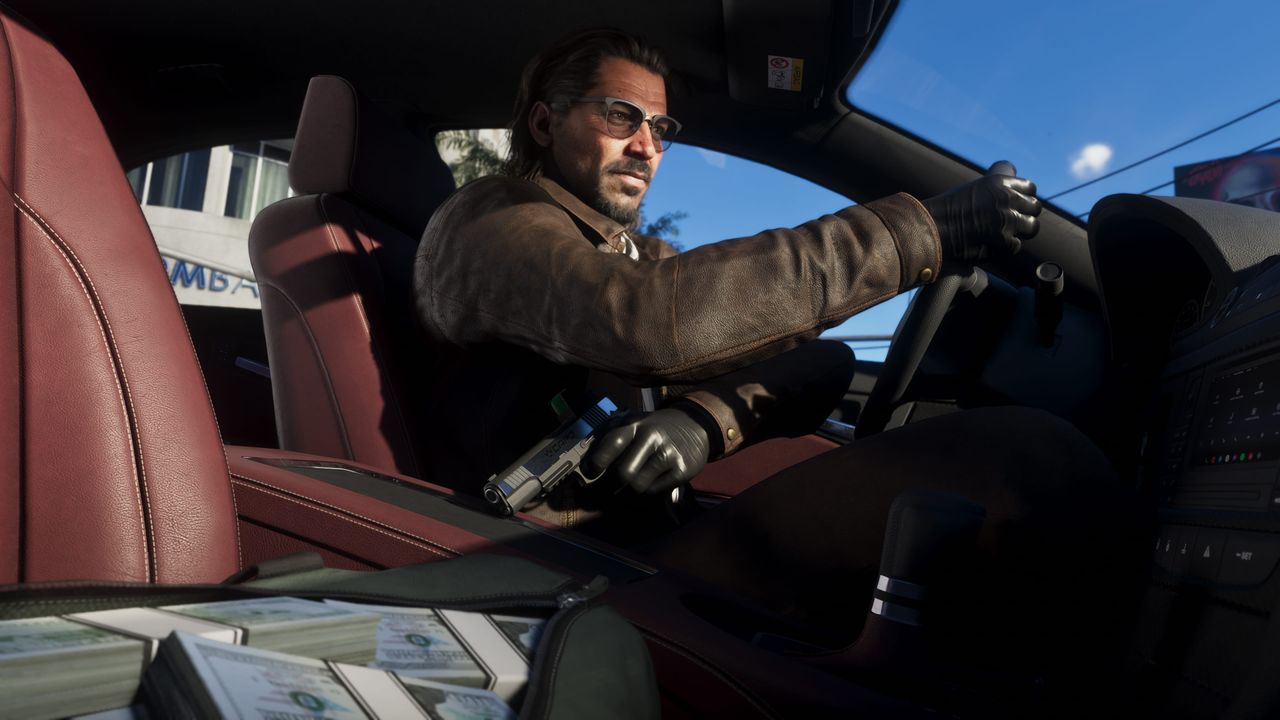

Every gamer has experienced it: you load up a brand new title, excited to explore its world, only to find everything becomes a smeared mess the moment you move your character. Motion blur, that polarizing visual effect that transforms crisp game graphics into a blurry approximation of movement, remains stubbornly enabled by default in countless modern games. But as display technology and gaming hardware have advanced dramatically over the past two decades, many players and industry observers are questioning why this artifact-masking technique continues to be the standard setting rather than an optional enhancement for those who prefer it.
Key Takeaways
- Motion blur was designed to mask low frame rates and visual artifacts in early 3D games running at 30 FPS, borrowing techniques from cinema.
- Modern GPUs and upscaling technologies from NVIDIA, AMD, and Intel now deliver 100-240 FPS, eliminating the original technical need for blur.
- A 2013 study on racing games found players could detect motion blur but reported no positive impact on their gaming experience.
- Content creators face additional problems since captured footage with motion blur enabled often looks significantly worse regardless of frame rate.
- The sharp divide in player preferences suggests motion blur should become an opt-in feature rather than a default setting.
The disconnect between motion blur in games and how humans actually perceive movement is striking. When you quickly turn your head in real life, the world around you doesn’t transform into a blurry mess. Your eyes and brain work together through a complex process called saccadic suppression, which essentially prevents you from perceiving motion blur during rapid eye movements. Similarly, waving your hand in front of your face doesn’t produce the extreme blur effects that many games simulate. This raises a fundamental question about the “realism” argument often used to justify motion blur’s inclusion and default status in video games.
How Motion Blur Became a Gaming Standard
To understand why motion blur became so prevalent, we need to look back at its origins in the early 2000s. As three-dimensional games became increasingly popular and graphically demanding, gaming hardware often struggled to keep pace with developer ambitions. Motion blur emerged as an elegant solution to a practical problem: it could effectively mask low frame rates and visual artifacts that would otherwise break immersion. When a game running at 30 frames per second employed motion blur, the stuttery, choppy movement became less noticeable to players. The technique essentially borrowed from cinematography, where cameras naturally introduce blur when capturing movement, making it feel familiar and acceptable to audiences accustomed to watching films.
The connection to cinema runs deeper than mere problem-solving. Game developers, particularly those working on big-budget, story-driven titles, have long aspired to create experiences that feel cinematic. This ambition extends to visual presentation, including the deliberate recreation of camera-like effects. Motion blur helps games achieve that film-like quality because movies, shot at 24 frames per second, inherently contain significant motion blur. Interestingly, this same principle applies in reverse for stop-motion animation. The 1933 King Kong film serves as a notable example where the animated ape appears somewhat unnatural against live-action backgrounds precisely because the stop-motion technique doesn’t naturally produce blur. Modern stop-motion animators now artificially add blur to their work to achieve that cinematic smoothness.
Why High Frame Rates Made Blur Obsolete
The gaming landscape of 2026 bears little resemblance to the technological constraints of the early 2000s. Graphics cards have become exponentially more powerful, and innovative technologies like upscaling solutions from NVIDIA, AMD, and Intel, along with frame generation techniques, have revolutionized performance. Modern gaming hardware can push frame rates well into the hundreds for many titles, even at high resolutions with demanding graphical settings enabled. This technological leap fundamentally undermines one of motion blur’s primary justifications: compensating for low frame rates. When games consistently run at 100, 144, or even 240 frames per second on capable hardware, the original purpose of motion blur becomes largely obsolete.
Research supports the argument against motion blur’s necessity. A 2013 study examined player responses to motion blur specifically in racing games, a genre where the effect might seem most justified given the high-speed action. The findings were illuminating: while players could reliably detect when motion blur was active, they did not report it having a positive effect on their gaming experience. The study concluded that “motion blur effects, while useful for reducing artifacts and achieving a realistic ‘look’, do not significantly enhance the player experience.” This suggests that even in the most favorable genre for motion blur, its benefits are marginal at best.
The Argument for Opt-In Rather Than Default
The persistence of motion blur as a default setting appears to stem more from industry inertia than deliberate design philosophy. Developers continue including it because it has always been included, following the “if it ain’t broke, don’t fix it” mentality. However, this approach ignores how dramatically the gaming ecosystem has evolved. Modern alternatives for addressing performance issues, such as intelligent upscaling and frame generation, provide superior solutions without the visual compromises motion blur introduces. These technologies can boost performance while maintaining image clarity, offering players the best of both worlds.
The aesthetic argument for motion blur ultimately comes down to personal preference, which itself argues against its default status. Some players genuinely enjoy the cinematic quality motion blur provides, finding it enhances immersion in certain types of games. Others, perhaps the majority based on how frequently “disable motion blur” appears in gaming tip articles, find it nauseating, disorienting, or simply ugly. For content creators and streamers, motion blur presents additional problems: captured footage often looks significantly worse with the effect enabled, regardless of the underlying frame rate. When an effect divides players so sharply, making it opt-in rather than opt-out seems like the more player-friendly approach.
The gaming industry has shown willingness to evolve its default settings in other areas. Accessibility options have become more prominent and thoughtfully implemented. Graphics presets now offer more granular control than ever before. Perhaps it’s time for motion blur to join the ranks of features that enhance the experience for those who want them while remaining disabled for those who don’t. A first-time player’s introduction to a new game should showcase it at its clearest and most responsive, allowing individuals to then customize their experience according to personal taste. In an era of unprecedented visual fidelity and performance, motion blur feels like a relic of a bygone technological era that has overstayed its welcome as a default setting.
Industry Inertia vs. Player Experience
The persistence of motion blur as a default setting reveals a broader pattern in game development: features implemented to solve yesterday’s problems often outlive their usefulness. When studios built engines in the early 2000s, 30 FPS was ambitious. Those same architectural decisions and default configurations have been carried forward through engine iterations, even as the underlying hardware constraints disappeared entirely.
The accessibility movement in gaming offers a useful parallel. Five years ago, colorblind modes and subtitle customization were afterthoughts. Today, they’re expected features with dedicated menu sections. Motion blur occupies a similar space—it affects player comfort and experience quality—yet hasn’t received the same reconsideration. Players prone to motion sickness are particularly affected.
For developers, the calculus is straightforward: changing a default costs nothing but challenges institutional habits. The upside is a better first impression for players on capable hardware, which increasingly means most players. As display manufacturers push 144Hz and 240Hz panels into mainstream price brackets, the audience that benefits from blur-free defaults grows with each hardware cycle.
Common Questions About Motion Blur
Does motion blur actually make games look more realistic?
Not in the way developers originally intended. Human vision uses saccadic suppression to prevent perceiving blur during rapid eye movements. The extreme blur effects in games don’t match how we actually see the world, though they do mimic how film cameras capture movement at 24 FPS.
Should I always disable motion blur in games?
It depends on your hardware and preferences. On systems running games above 60 FPS, disabling blur typically improves clarity without downsides. However, if you’re locked to 30 FPS on console or older hardware, blur can still help smooth choppy movement. Test both settings to see what feels better.
Why do game developers still enable motion blur by default?
Primarily industry inertia. The setting has been standard for two decades, and changing defaults requires deliberate effort. Some developers also target cinematic aesthetics or need to accommodate lower-end hardware in their default configurations, even when high-end systems don’t benefit.
Expert Opinion: The gaming industry’s reluctance to change default settings reflects a broader conservatism in software development, but market pressure from increasingly knowledgeable consumers may force change. As high-refresh-rate displays become standard and players grow more sophisticated about graphics settings, we’ll likely see developers adopt more neutral defaults that let hardware capabilities speak for themselves. Motion blur will probably shift to opt-in status within the next console generation, following the path of other once-standard effects like chromatic aberration and film grain.